
Avery place cards
Avery 16109 place card template
Make place cards for Avery 16109 sheets without the fuss. Paste your guest list, we lay every name out to fit the Avery 16109 die exactly, 6 to a US Letter sheet, then download a print-ready PDF. Snap the cards apart and fold along the score.
- Product
- Avery 16109
- Card size
- 95.25 x 36.512499999999996 mm
- Per sheet
- 6 cards
- Sheet
- US Letter
- Type
- Pre-scored, fold along the score
Sheet layout
2 x 3, 6 upThe PDF uses these exact positions. Print at 100 percent scale; do not use fit-to-page.
Alignment test
Check one plain-paper sheet before using Avery 16109
Printers often add their own scaling unless you tell them not to. Use the first download as a plain-paper alignment test, then hold it behind a blank Avery 16109 sheet and check the corners before loading your good stock.
- 1. In the maker, choose Avery 16109 from the layout menu.
- 2. Turn dotted lines on for the test sheet if you want visible boundaries.
- 3. Print at 100 percent, actual size, or no scaling.
- 4. Hold the test behind the stock and confirm each corner lands inside the card.
Start with a design
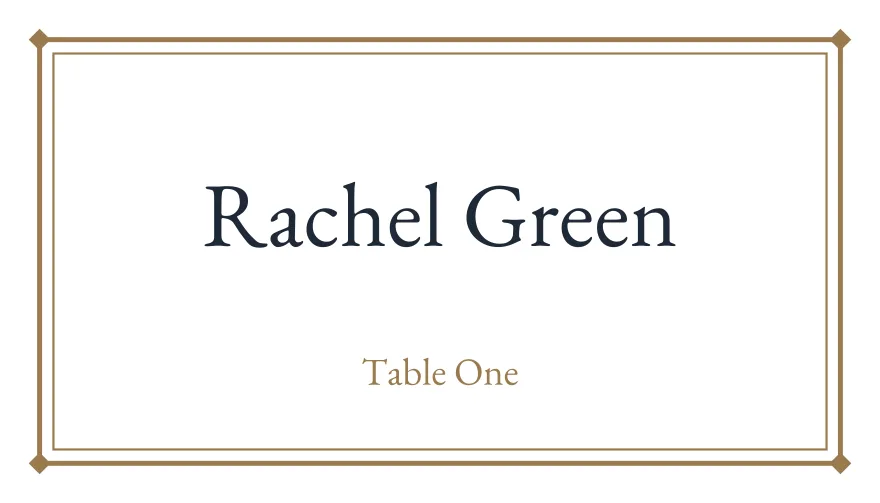
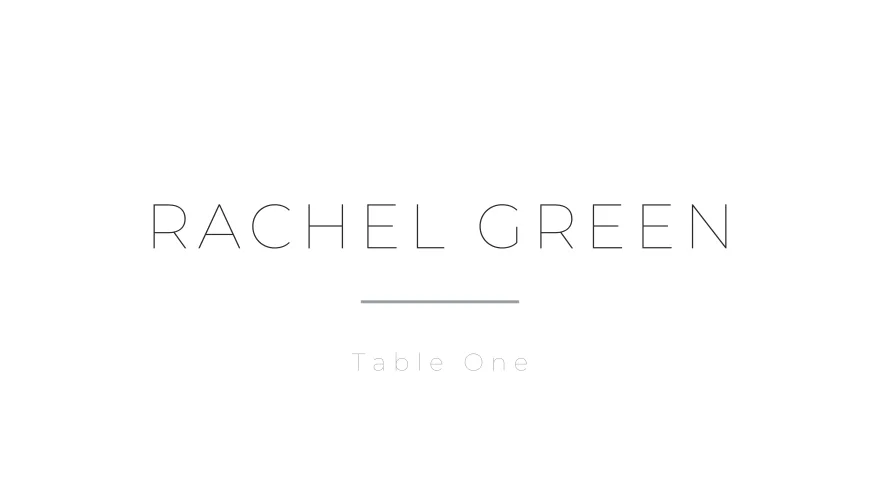
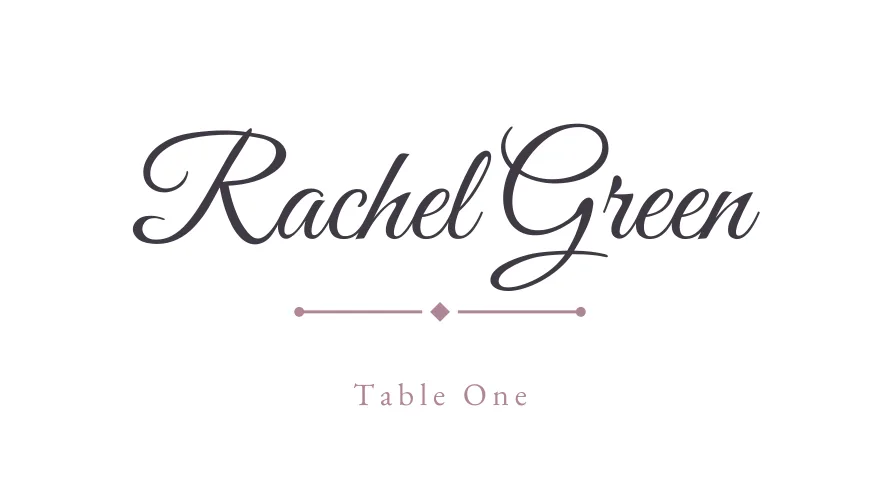
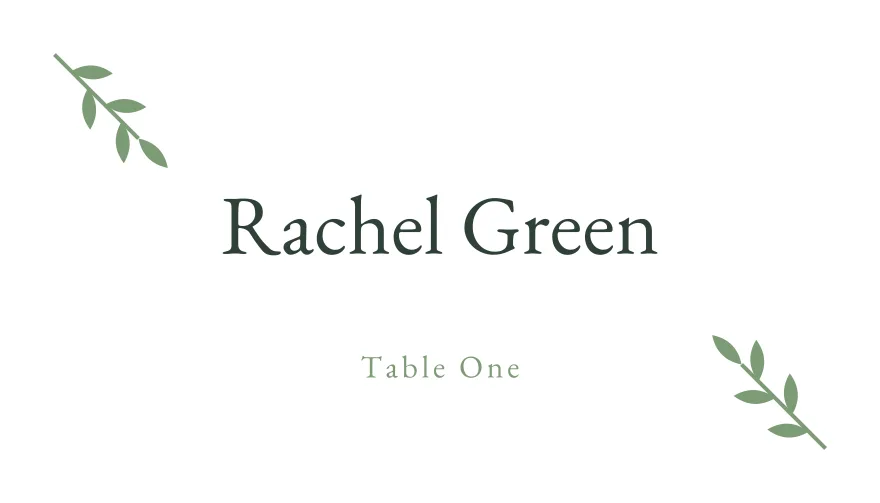
Place-card designs already set to Avery 16109
Pick a design here and the maker opens with the Avery 16109 layout selected, so the PDF is imposed to the right sheet geometry from the start.
How it works
From guest list to a printed Avery 16109 sheet
- 1. Paste your list. Drop names in, or upload a CSV or Excel file. We read the Name and Table columns, no retyping.
- 2. Pick a design. Choose from dozens of templates and tweak the font or colour. Every name is auto-sized so it fits its card.
- 3. Print to fit. Download a PDF already laid out 6-up for Avery 16109. Print at 100 percent scale, then fold along the score.
Prints right the first time
Made to line up with the sheet you bought
The frustrating part of branded stock is alignment. We hold the verified Avery 16109 die geometry and place each card exactly where the sheet expects it, at true physical size, so the print lands on the cards and not across the perforations. No nudging margins, no wasted sheets. Print one plain-paper test, check it against a blank Avery 16109 sheet, then run your good stock.
Use your artwork
Already designed your cards in Canva or with a stationer?
Upload a PNG, JPG or WebP background in the maker, paste your guest list once, and export it on theAvery 16109 layout. This is useful when your invitation suite already has a matching place-card design.
Upload your own designQuestions
Common questions
Will the print line up with Avery 16109?
Yes. We hold the exact die geometry for Avery 16109 and lay each card on its position, so a print at 100 percent scale lands on the cards. Always run one test page on plain paper and hold it against a blank Avery 16109 sheet first.
How many cards fit on one Avery 16109 sheet?
6 per US Letter sheet. Paste a list of any length and we paginate it across as many sheets as you need.
Do I have to type the names onto each card?
No. Paste or upload your guest list once and every card fills itself, with each name auto-sized so long names never overflow. That is the whole point: no hand-lettering, no placing names one by one.
Are there cut lines on the Avery 16109 layout?
No. Avery 16109 is pre-cut, so guide lines are off by default and would only print across the perforations. You can still toggle them on for a plain-paper test.
Avery help
Printing guides for Avery sheets
Use these if you are setting up an Avery sheet for the first time, importing guest names from a spreadsheet, or checking alignment before loading the real stock.
Other formats
Avery, DECAdry, and Paper Source are trademarks of their respective owners. Imprintly is not affiliated with those brands; these layouts are provided for print-alignment compatibility with the listed product formats.
Fill your Avery 16109 sheet in minutes
Bring your guest list and download a print-ready PDF laid out for Avery 16109.
Design for Avery 16109