
Paper Source place cards
Paper Source place card template
Make place cards for Paper Source sheets without the fuss. Paste your guest list, we lay every name out to fit the Paper Source die exactly, 8 to a US Letter sheet, then download a print-ready PDF. Print, then snap the cards apart along the perforations.
- Product
- Paper Source
- Card size
- 98.425 x 63.5 mm
- Per sheet
- 8 cards
- Sheet
- US Letter
- Type
- Pre-perforated, snap apart
Sheet layout
2 x 4, 8 upThe PDF uses these exact positions. Print at 100 percent scale; do not use fit-to-page.
Alignment test
Check one plain-paper sheet before using Paper Source
Printers often add their own scaling unless you tell them not to. Use the first download as a plain-paper alignment test, then hold it behind a blank Paper Source sheet and check the corners before loading your good stock.
- 1. In the maker, choose Paper Source from the layout menu.
- 2. Turn dotted lines on for the test sheet if you want visible boundaries.
- 3. Print at 100 percent, actual size, or no scaling.
- 4. Hold the test behind the stock and confirm each corner lands inside the card.
Start with a design
Place-card designs already set to Paper Source
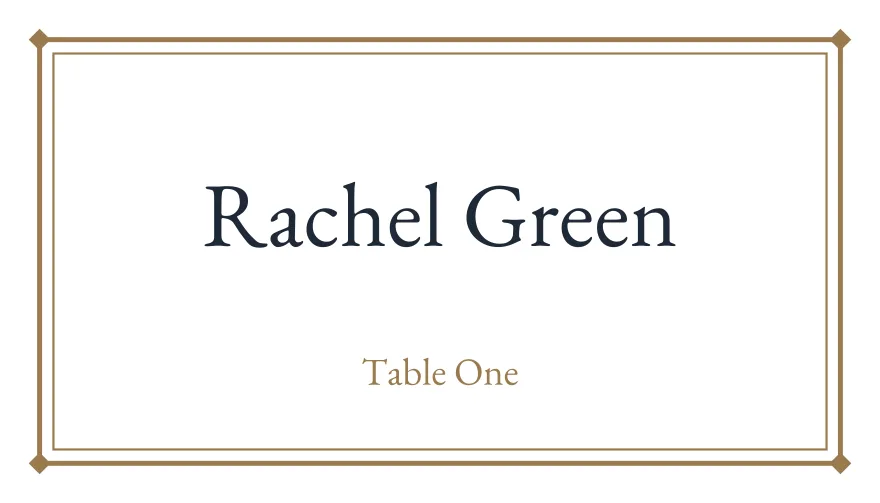
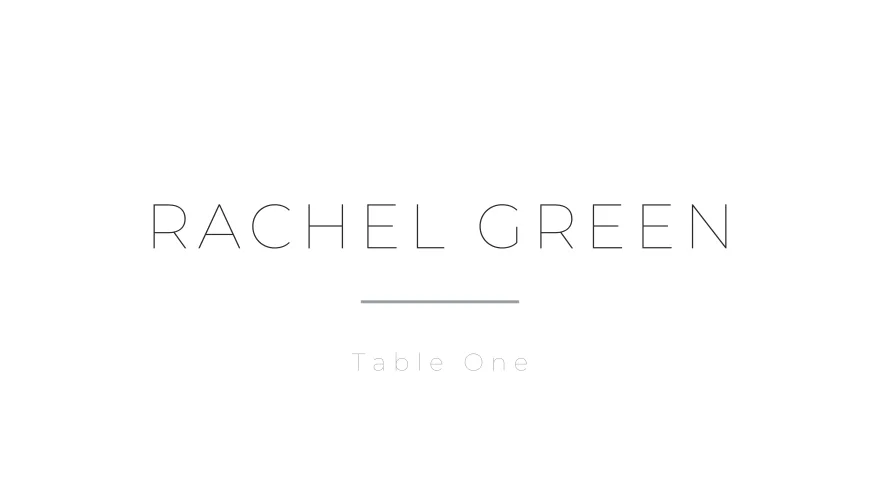
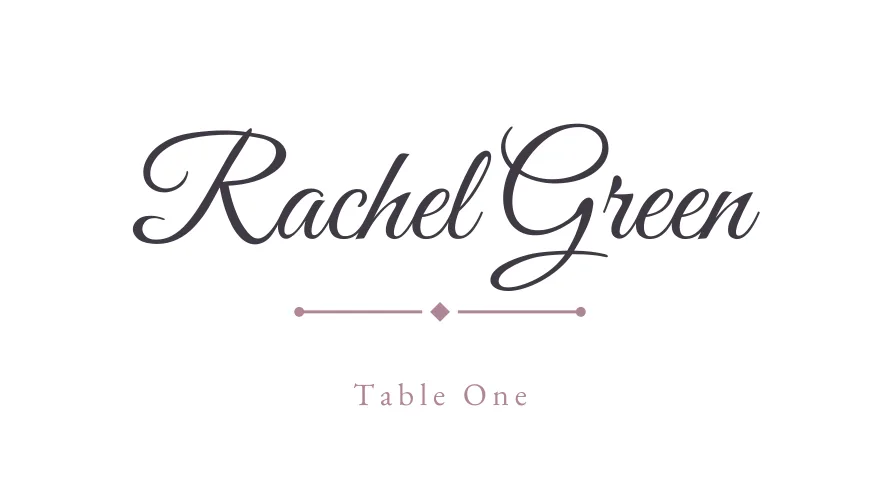
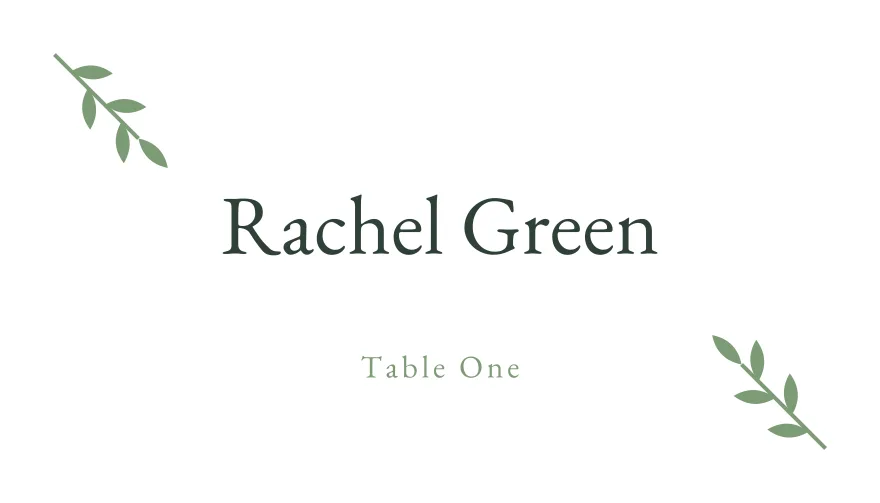
Pick a design here and the maker opens with the Paper Source layout selected, so the PDF is imposed to the right sheet geometry from the start.
How it works
From guest list to a printed Paper Source sheet
- 1. Paste your list. Drop names in, or upload a CSV or Excel file. We read the Name and Table columns, no retyping.
- 2. Pick a design. Choose from dozens of templates and tweak the font or colour. Every name is auto-sized so it fits its card.
- 3. Print to fit. Download a PDF already laid out 8-up for Paper Source. Print at 100 percent scale, then snap the cards apart.
Prints right the first time
Made to line up with the sheet you bought
The frustrating part of branded stock is alignment. We hold the verified Paper Source die geometry and place each card exactly where the sheet expects it, at true physical size, so the print lands on the cards and not across the perforations. No nudging margins, no wasted sheets. Print one plain-paper test, check it against a blank Paper Source sheet, then run your good stock.
Use your artwork
Already designed your cards in Canva or with a stationer?
Upload a PNG, JPG or WebP background in the maker, paste your guest list once, and export it on thePaper Source layout. This is useful when your invitation suite already has a matching place-card design.
Upload your own designQuestions
Common questions
Will the print line up with Paper Source?
Yes. We hold the exact die geometry for Paper Source and lay each card on its position, so a print at 100 percent scale lands on the cards. Always run one test page on plain paper and hold it against a blank Paper Source sheet first.
How many cards fit on one Paper Source sheet?
8 per US Letter sheet. Paste a list of any length and we paginate it across as many sheets as you need.
Do I have to type the names onto each card?
No. Paste or upload your guest list once and every card fills itself, with each name auto-sized so long names never overflow. That is the whole point: no hand-lettering, no placing names one by one.
Are there cut lines on the Paper Source layout?
No. Paper Source is pre-cut, so guide lines are off by default and would only print across the perforations. You can still toggle them on for a plain-paper test.
Other formats
Avery, DECAdry, and Paper Source are trademarks of their respective owners. Imprintly is not affiliated with those brands; these layouts are provided for print-alignment compatibility with the listed product formats.
Fill your Paper Source sheet in minutes
Bring your guest list and download a print-ready PDF laid out for Paper Source.
Design for Paper Source